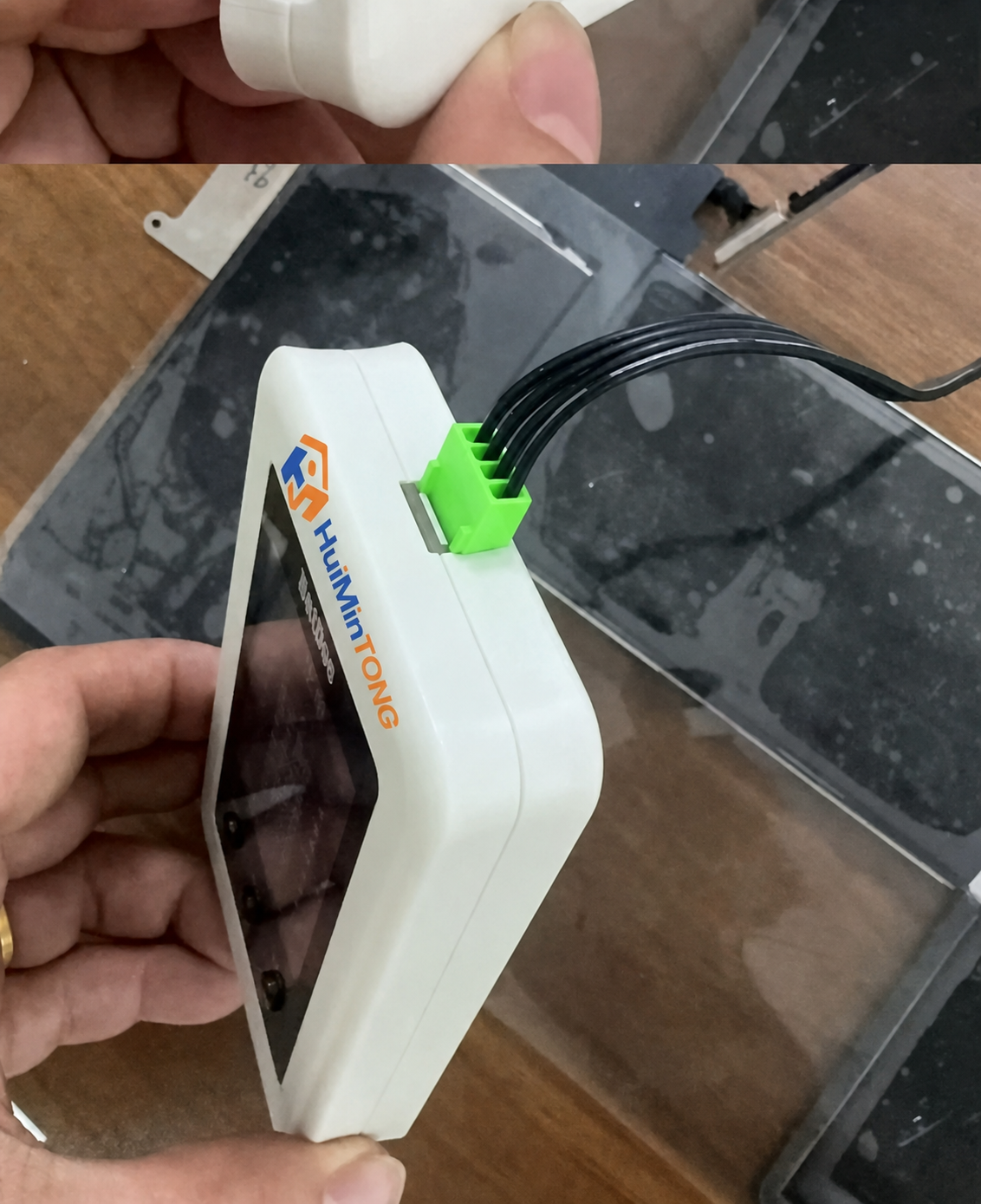
When a MacBook has been stored for months and starts only while connected to its charger, the battery may be in deep sleep or low-voltage protection. HMT BatDoc gives a way to inspect a supported battery’s BMS (battery management system) data and, where appropriate, attempt to wake it before deciding whether replacement is needed. It is a diagnostic and activation tool, not a universal battery repair device.
Key Features
Battery-side diagnosis: Communicates with the BMS to check available battery data and whether the battery responds normally.
Supported deep-sleep activation: Can attempt to wake a compatible battery in protection after prolonged low voltage; successful recovery is not guaranteed.
Repair verification: Helps technicians compare battery information before and after an activation attempt, then confirm charging and unplugged operation in the MacBook.
Professional MacBook focus: Intended for trained Apple computer repair technicians, not iPhone battery service or DIY use.
Product Specifications
Brand / model: HMT BatDoc
Application: Diagnosis and activation of supported MacBook batteries via their BMS.
Versions: Basic Version and Advanced Version; confirm the exact model coverage for the selected version in the BatDoc support library.
Known exclusion in this listing: Battery models A2976, A2977 and 0307S are listed as incompatible.
Package Includes
HMT BatDoc tool in the selected version. Confirm the included adapter cables and power accessories in the selected variant before ordering; use only the matching approved adapter for your battery.
Target Applications
Checking a supported MacBook battery that is not recognized or does not appear to charge after prolonged storage.
Investigating whether a battery is communicating normally before replacing it or continuing motherboard diagnosis.
Attempting activation of a supported battery in deep sleep or protection, followed by real-world charging and unplugged-operation checks.
Compatibility & Safety
Before connecting: Confirm the exact MacBook and battery model in the BatDoc support library and use the matching adapter. Power off the computer, disconnect its charger and follow ESD-safe repair procedures. Never connect directly to battery cells or guess the connector pinout.
Do not use BatDoc on swollen, leaking, punctured, corroded, overheated or otherwise physically damaged batteries. It cannot repair failed cells, liquid damage or a motherboard short circuit. Stop if the battery shows abnormal heat, voltage, cell imbalance or repeated protection faults. An activation attempt counts as successful only after the MacBook recognizes the battery, charges normally and remains powered when unplugged.